Every production person has a story about losing footage: a card formatted too early, a drive that stopped spinning, a laptop left in a taxi. The footage is the one thing on a shoot you can't buy again.
Here's the setup now. None of it is fancy. It just never gets skipped.
The 3-2-1 rule, in plain words
- 3 copies of everything.
- On 2 different kinds of storage, for example SSDs and a hard drive array.
- With 1 copy somewhere else, away from the office.
If a drive dies, you have another. If the office floods, the offsite copy is fine. It sounds like overkill until the day you need it.
On set
- Cards come off the camera and go straight to one person. One person, not whoever is free.
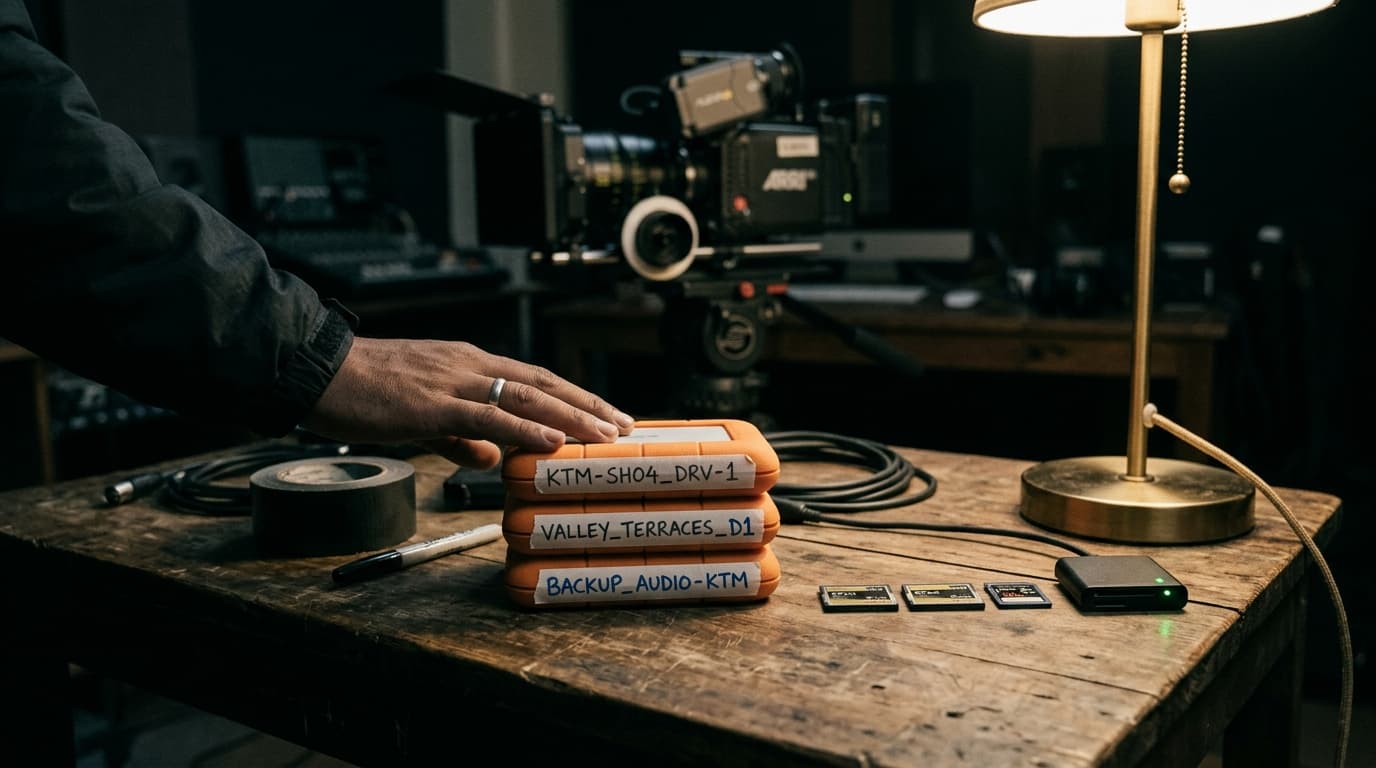
- We copy to two separate SSDs with software that checks every file matches the original (a checksum), not a plain drag and drop.
- A card is only formatted after both copies are verified. We tape used cards with a red strip until then.
- Everything goes into the same folder structure every time: date, client, camera, card number.
“Drag and drop tells you a file was copied. A checksum tells you it was copied correctly. That difference is the whole job.”
Back at the studio
The footage goes onto our main edit storage, which is a RAID, meaning one drive can fail without losing anything. The two shuttle SSDs stay untouched until the offsite backup is done. Then one gets wiped and reused, and the other stays on the shelf until the project is delivered.
Offsite for us is a mix of cloud backup for projects in progress and a hard drive kept at a different location for finished ones. Cloud is great, but uploading a few terabytes over a Kathmandu connection takes time, so we start it the same night.
After delivery
- We keep the edit project, graded masters and all original footage.
- Proxies, renders and cache files get deleted. They can be rebuilt.
- Archive drives get checked once a year. Hard drives sitting on a shelf do fail.
“Clients come back two years later asking for a new cut of an old film more often than you'd think. Being able to say yes is part of the service.”
If you're just starting out
You don't need a server room. Two external SSDs, one big hard drive and a cloud backup account will get a small team to 3-2-1. The expensive part isn't the storage, it's the habit.
Questions people ask
What is the 3-2-1 backup rule for video?
Keep three copies of your footage, on two different types of storage, with one copy stored offsite, for example in the cloud or at another location.
Is drag and drop safe for copying camera cards?
It usually works, but it doesn't confirm the copy is complete and uncorrupted. Offload software with checksum verification compares every file to the original before you format the card.
How long should a production company keep raw footage?
We keep original footage, project files and masters for every delivered project, and delete proxies and cache files that can be rebuilt. Archive drives should be checked at least once a year.
Planning a shoot? Tell us about it — or see what we've made.