Every other week a client forwards us a clip made with some AI model and asks, half joking, whether we're about to be out of a job. Fair question. So over the last few months we stopped reading launch threads and started using these tools on actual jobs: pitch decks, mood films, a few shots that went all the way to a final cut.
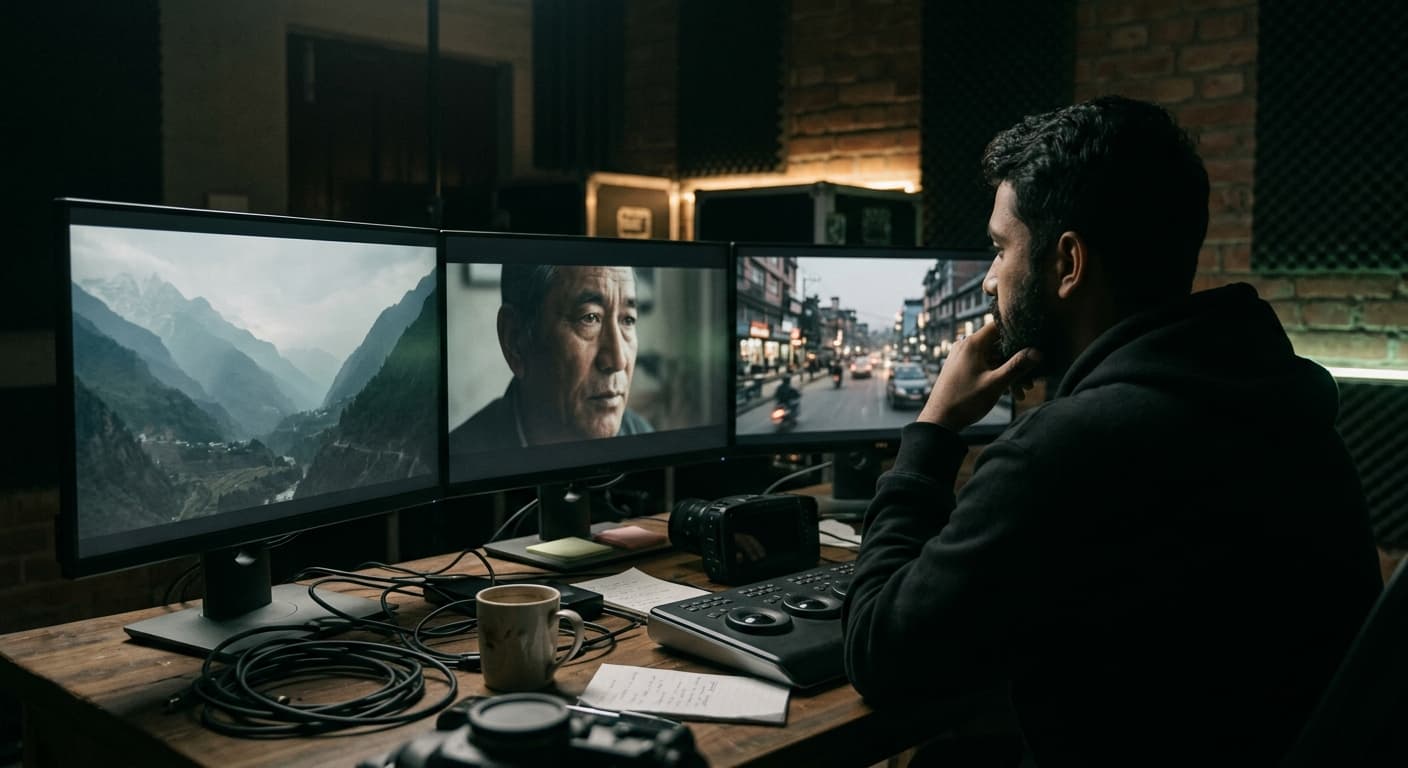
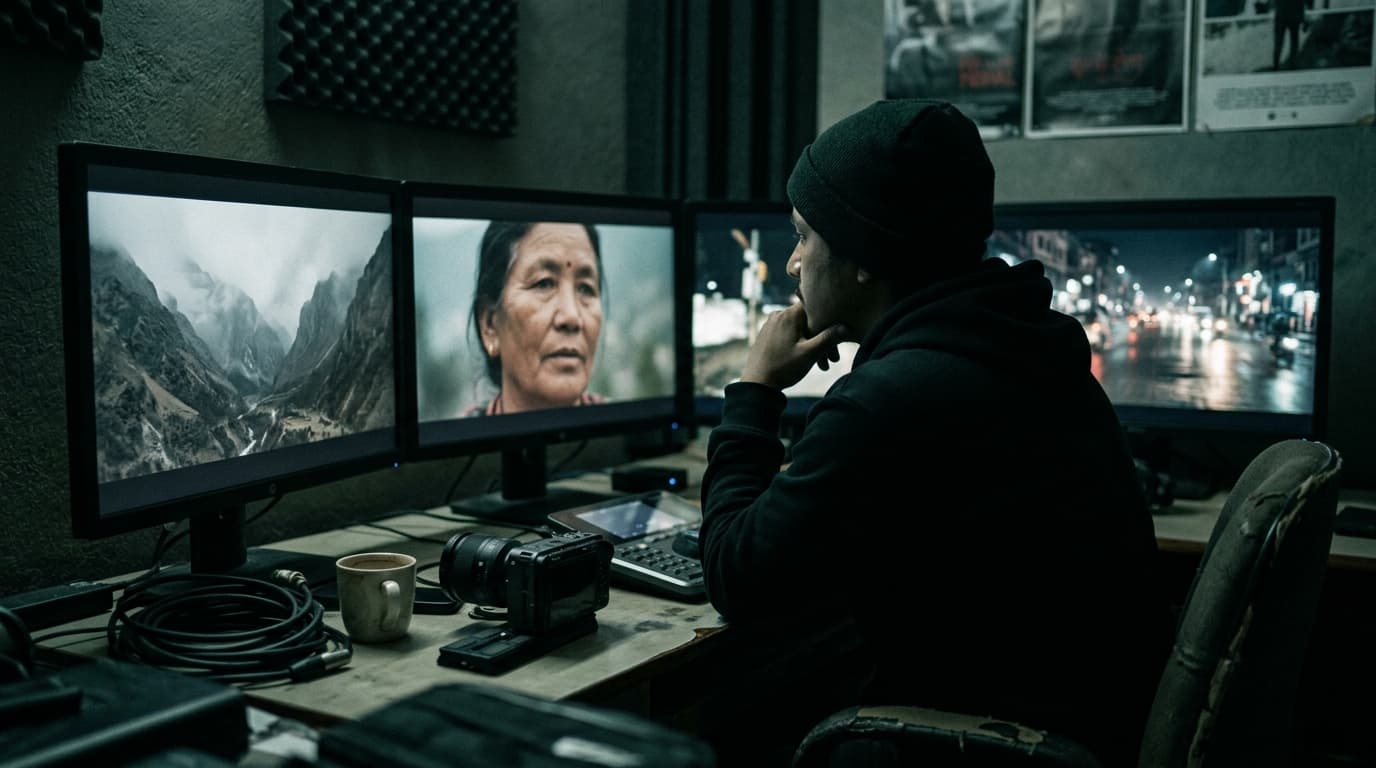
This isn't a benchmark. It's what happened when a three-person studio in Kathmandu tried to make real deadlines with Higgsfield, Runway, Kling and Google's Veo.
The short answer
- Best for moodboards and pitch films: Higgsfield. The camera-move presets get you something that feels directed in minutes.
- Best for editing and fixing footage you already shot: Runway. Its tools sit closer to a real post workflow.
- Best for believable human motion: Kling, most of the time.
- Best raw image quality and prompt understanding: Veo, when you can get the shot you asked for.
None of them is a replacement for a shoot. All of them have earned a spot somewhere in our process.
Higgsfield: the one clients react to
Higgsfield's trick is that it thinks in camera language. Crash zoom, dolly out, bullet time, a slow push on a face — you pick the move and it builds the shot around it. It also sits on top of several of the big video models, so you're not locked into one engine's look.
For a pitch, that matters more than raw fidelity. When we showed a resort client a 30-second mood film built in Higgsfield before a single flight was booked, the conversation changed. They weren't imagining our treatment any more, they were reacting to it.
“I stopped writing 'the camera slowly pushes in' in treatments. Now I just show it. Clients sign off faster because they're not guessing what's in my head.”
Where it falls apart: consistency. Getting the same person, the same jacket and the same light across six shots is still a fight. Fine for a mood film, not fine for a brand campaign.
Runway: closest to a post-production tool
Runway feels like it was built by people who have sat in an edit. Extending a shot by a second, cleaning up a background, restyling a plate — it's less about generating a film from nothing and more about rescuing the footage you have. That's the use case we hit most, so it gets opened most.
Kling and Veo: the engines
Kling handles bodies well. Walking, turning, hands doing things — it breaks less often than the others when people are the subject. Veo gives the cleanest frames and follows long prompts better than anything else we've tried, but it can be stubborn about the shot you actually wanted.
The honest part: for every usable clip we generate a lot of unusable ones. Budget for that in credits and in hours.
What we don't use AI video for
- Anything a client's customers will read as real: product shots, real locations, real people.
- Faces of actual people without their written consent.
- Final deliverables for brands that haven't explicitly agreed to AI footage.
“The first thing I ask on any job now: is the client okay with AI-generated shots, yes or no, in writing. It protects them and it protects us.”
So which should you pay for?
If you pitch a lot, start with Higgsfield. If you edit a lot, start with Runway. If you need people on screen, test Kling. And keep a camera bag packed, because the shot that sells the brand is still the one you went out and got.
Questions people ask
Is Higgsfield better than Runway?
They solve different problems. Higgsfield is faster for directed-looking shots and pitch films thanks to its camera-move presets. Runway is stronger for editing, extending and fixing footage you already shot.
Can AI video replace a real video shoot for a brand?
Not yet. AI video is great for mood films, previs and the odd impossible shot, but consistency of people, products and locations across a campaign still needs a real shoot.
Which AI video generator is best for realistic people?
In our testing Kling produced believable human motion most often, with Google Veo giving the cleanest individual frames.
Planning a shoot? Tell us about it — or see what we've made.