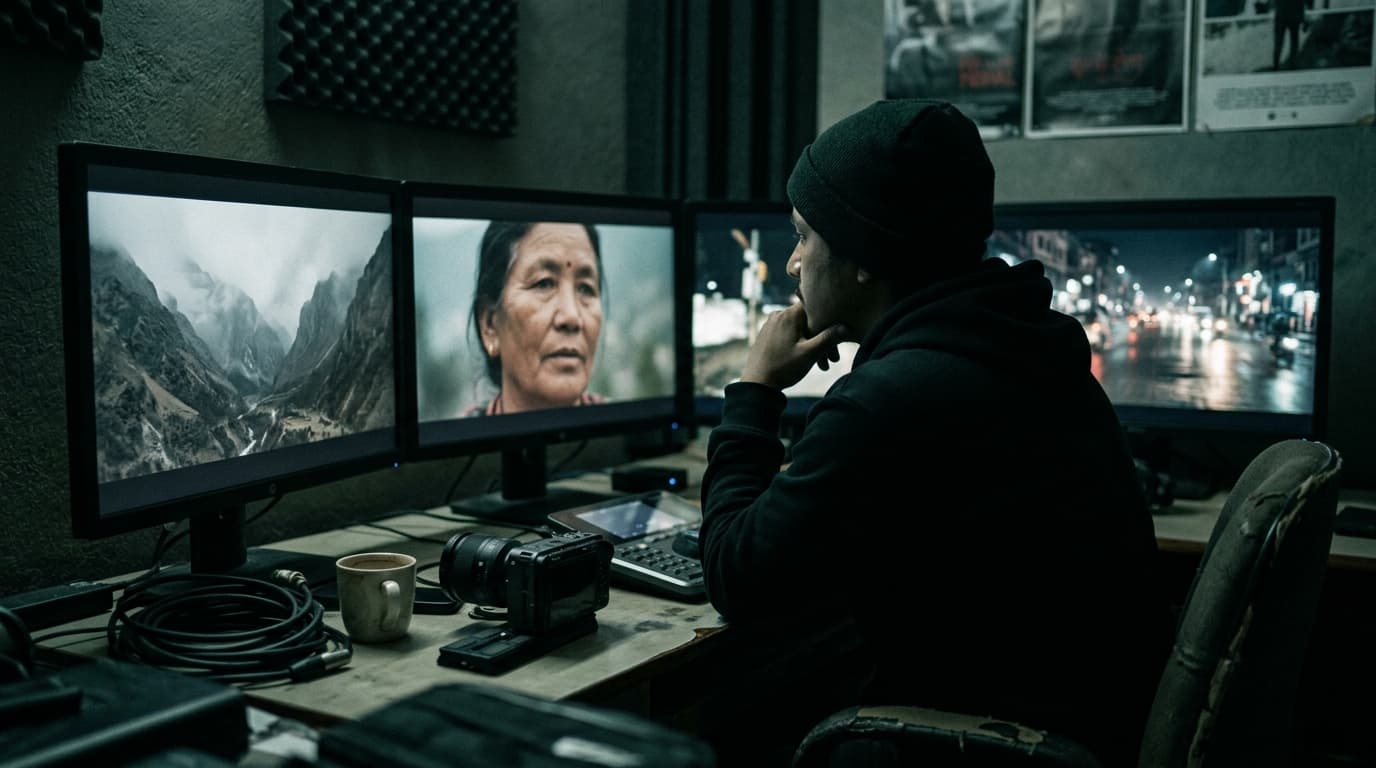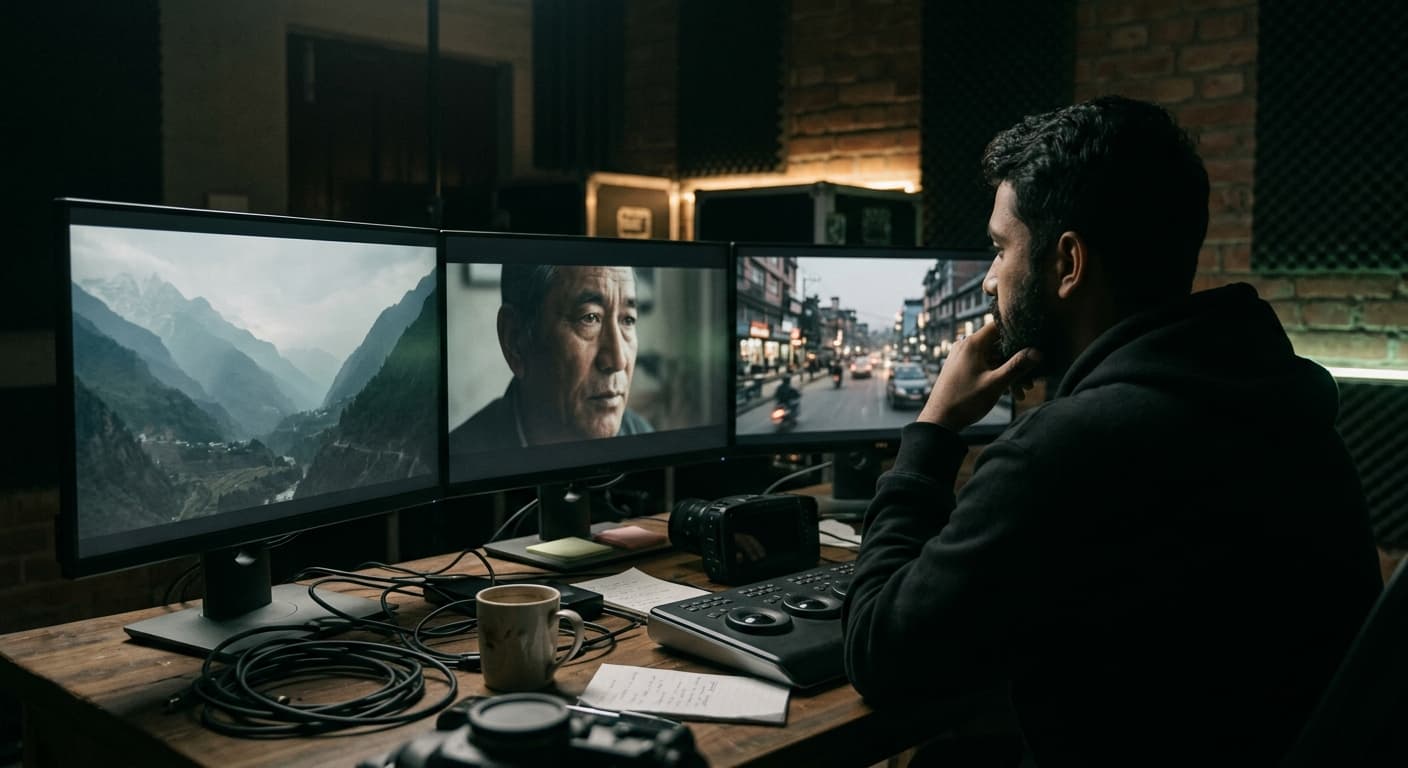
Most AI features get opened once, admired, and forgotten. A few quietly became part of how we work every single day. This is that shorter list.
1. Transcription and text-based editing
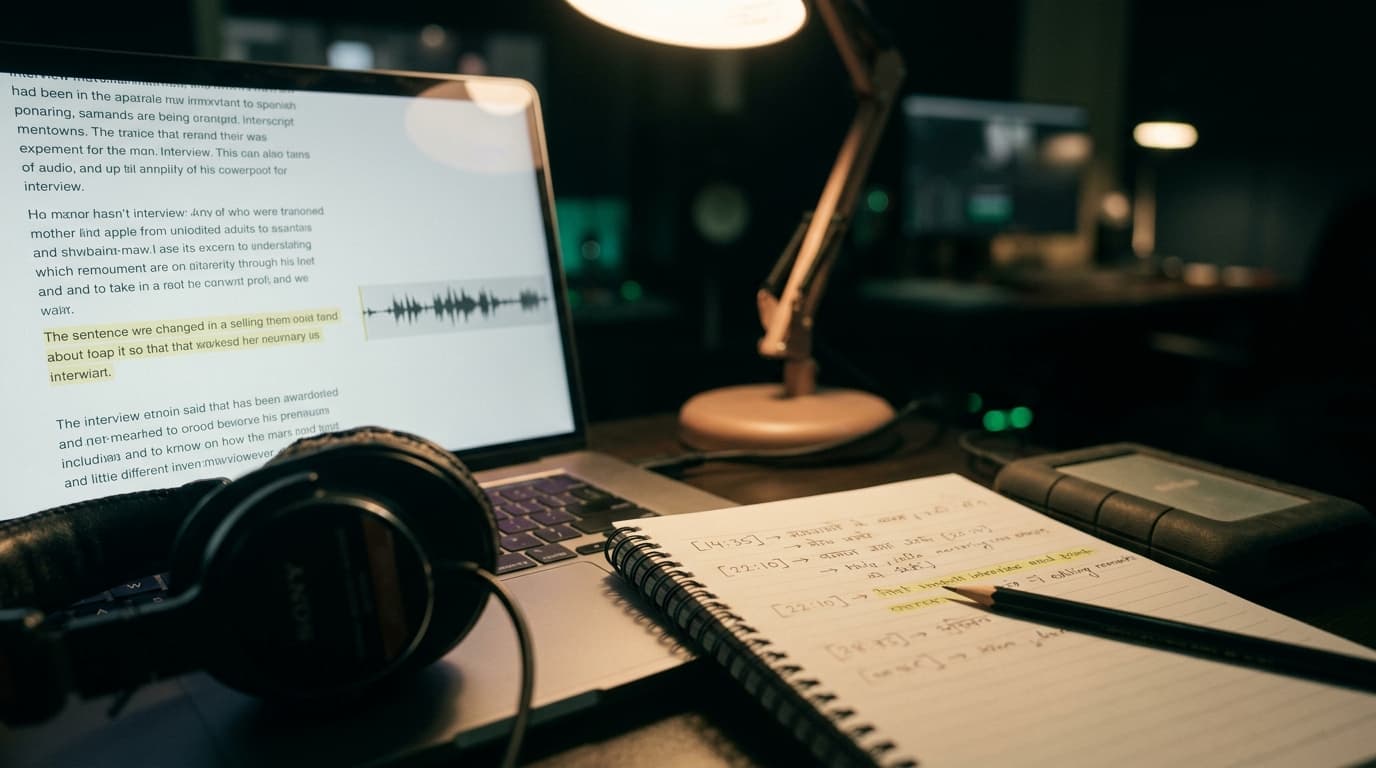
This is the biggest time-saver by a mile. We shoot a lot of interviews and podcasts, and being able to search an hour of footage for the moment someone says 'the first time we tried it' is ridiculous. We build our paper edit from transcripts now and only then touch the timeline.
2. Voice isolation and dialogue cleanup
Kathmandu is loud. Horns, generators, a dog that always starts barking on take three. Modern voice isolation won't save a truly bad recording, but it turns a 'we have to reshoot this' into a 'that's fine' more often than we'd like to admit.
“It's a safety net, not a plan. I still want a boom and a lav on every interview. But when the street decides to join the take, I'm glad it's there.”
3. Object masking in the grade
Tracking a mask on a face or a product used to be slow roto work. AI masking in Resolve gets us 90% of the way in seconds, which means we actually do the subtle local adjustments we used to skip.
4. Upscaling and frame interpolation
Clients hand us old phone footage, a 720p archive clip, a drone shot at the wrong frame rate. AI upscaling and interpolation make these usable inside a modern edit. We use them sparingly; push too hard and faces start to look waxy.
5. Temp voiceover
Synthetic voices are great for scratch VO. The client hears the pacing of the script before we book talent. Final voiceover is always a human, and we tell clients that up front.
“A temp voice changed how scripts get approved. People don't read timing on paper. They hear it and go, 'oh, that's too long.' Saves a whole round of notes.”
What we uninstalled
- Auto-edit tools that promise a finished cut. They cut on beats, not on meaning.
- One-click 'cinematic' grades. They make everything look like the same film.
- AI captions with no review step. They will spell your client's brand name wrong.
The pattern: AI is great at the boring, mechanical parts of post. It's bad at taste. Keep a human on every decision a viewer will actually feel.
Planning a shoot? Tell us about it — or see what we've made.