This argument happens in our office about once a month. I'm on team Resolve. Prashesh still opens Premiere when he wants to get a rough cut out before lunch. After a few years of this, we've stopped trying to win and started writing down when each one is the right call.
Where DaVinci Resolve wins
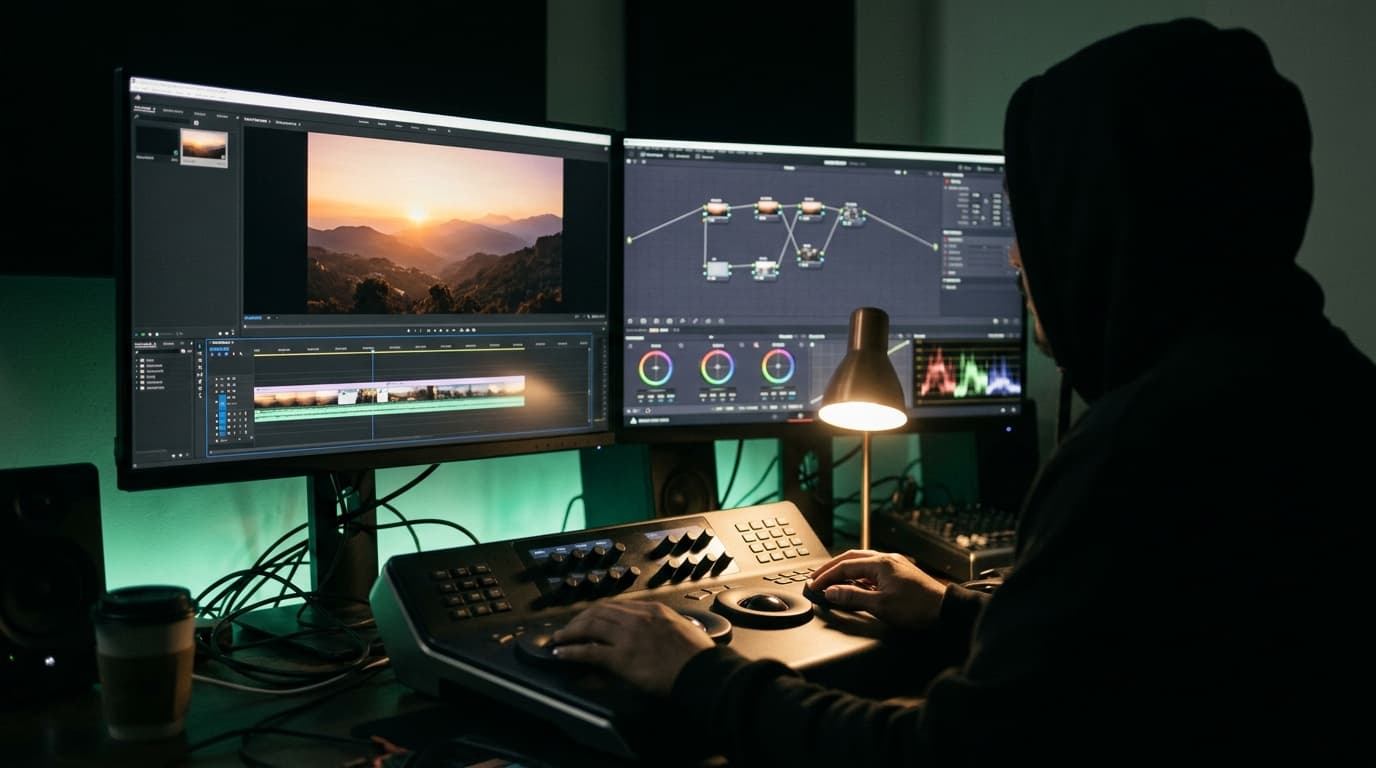
- Colour. Nothing else is close. The colour page is the reason most people switch, and it's the reason we did.
- Price. The free version is genuinely usable for real work, and Studio is a one-time licence instead of a monthly bill.
- One app from cut to delivery. Edit, colour, Fairlight for audio and Fusion for comp all live in the same project.
- Stability on long timelines, at least on our machines. Fewer mystery crashes at 2am.
“Round-tripping to a separate grading app used to cost us half a day per project. Now the grade is just a tab away. That alone paid for the Studio licence in the first month.”
Where Premiere Pro still makes sense
- You live in After Effects. Dynamic Link is still the smoothest way to move between edit and motion.
- Your clients, agencies or freelancers all send Premiere projects. Fighting that costs more than any licence.
- Speed on quick social cuts. Premiere is fast when the job is 'cut it, caption it, ship it'.
- Frame.io review is baked in, which clients like.
“For a 15-second Reel with a deadline in two hours, I'm not opening a colour-managed Resolve project. Premiere, captions, export, done. The tool should fit the job, not the other way round.”
What switching really costs
The software is the cheap part. The real cost is muscle memory. Budget two to three weeks before an editor who has spent years in Premiere is as fast in Resolve. Map your shortcuts, keep one easy project to learn on, and don't switch in the middle of a big client job.
What we ended up doing
Long-form, brand films and anything that needs a serious grade: Resolve, start to finish. Fast social, motion-heavy pieces and projects handed to us from agencies: Premiere, then an XML into Resolve if it needs colour.
“Clients never ask what software we used. They ask whether it looks good and whether it's on time. Pick whatever gets you both.”
Should you switch?
If you're paying for Creative Cloud only for Premiere and you care about colour, download the free version of Resolve this week and cut one real project in it. You'll know by the end. If your whole world runs on After Effects and agency handoffs, stay put and don't feel bad about it.
Questions people ask
Is DaVinci Resolve better than Premiere Pro?
For colour grading and all-in-one finishing, yes. Premiere Pro is still better if you rely heavily on After Effects and Adobe workflows or receive Premiere projects from agencies.
Is the free version of DaVinci Resolve enough for professional work?
For many projects, yes. DaVinci Resolve Studio adds features like better noise reduction, more AI tools and higher resolution and frame-rate support that professional studios usually need.
How long does it take to switch from Premiere Pro to DaVinci Resolve?
In our experience an experienced editor gets back to full speed in about two to three weeks of real project work.
Planning a shoot? Tell us about it — or see what we've made.